

Appearance
People and roles
Who may sign in to the panel, and what each person may do.
The roles
| Role | May |
|---|---|
| support | answer tickets, see users (not their contacts), read the log |
| desk | everything support may, and delete tickets, see contacts, block and erase users, revoke keys |
| admin | everything: products, keys, settings, and the people here |
A role can be for every product or for one. The panel shows each person only what they may do, and refuses the rest.
People (the hosted service)
Admin → People lists who may sign in, with their role. Add someone by email with a role: someone new gets an email to join and shows as Invited until they do; someone with an account is added at once. Change a role in place, or Remove them. Your plan's desk users are the people who signed in within 30 days.
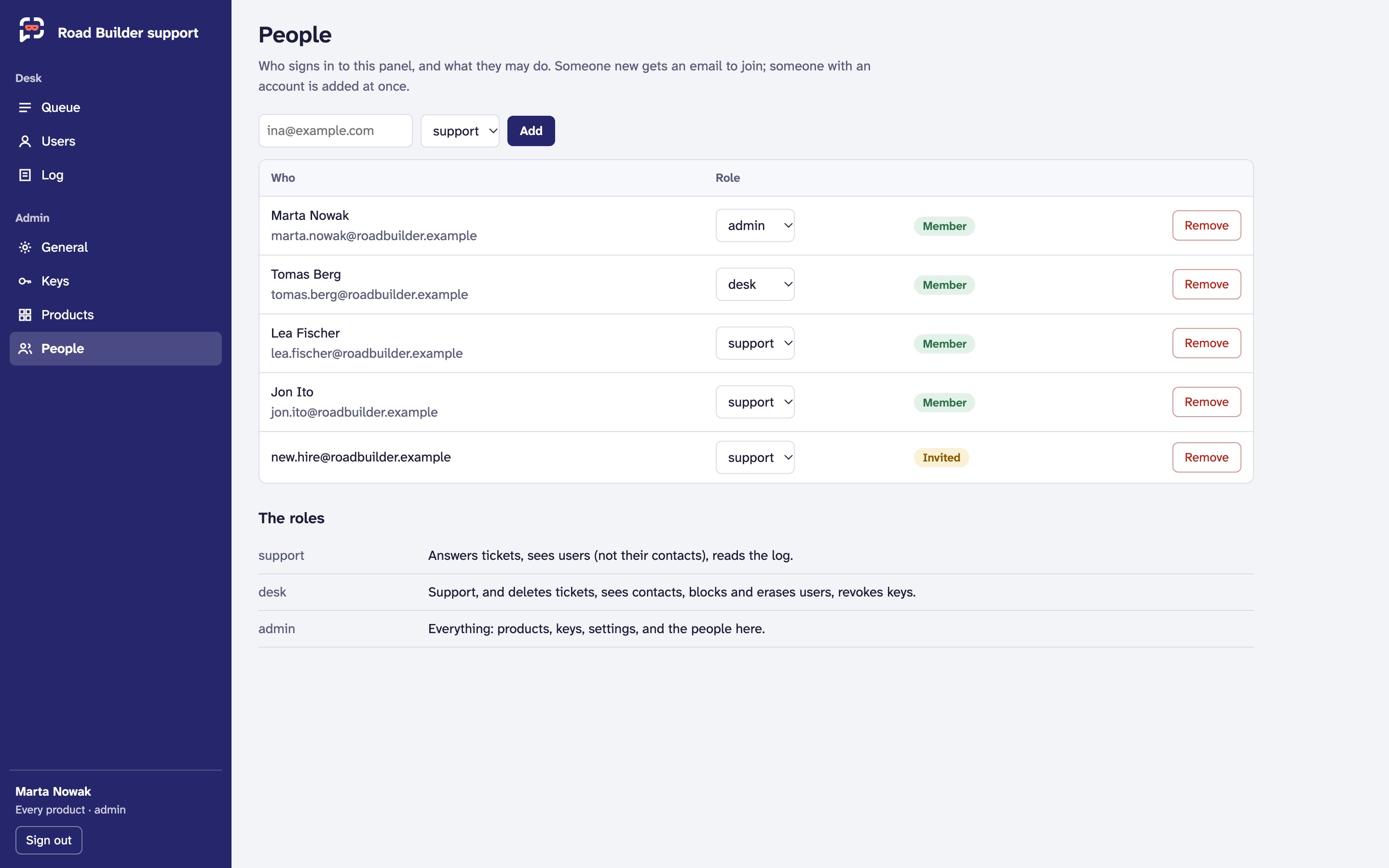 Demo data.
Self-hosted: roles from your sign-in provider
On your own deployment, people and roles live at your OpenID Connect provider, and ALIAS reads them from the sign-in. Grant a role as a composite (alias:support, alias:<product>:desk) or as single permissions:
| Permission | |
|---|---|
tickets.read, tickets.answer, tickets.delete | the queue, answering, deleting |
users.read, contacts.view, users.block, users.erase | users, their contacts, blocking and resetting, erasing |
keys.read, keys.issue, keys.revoke | keys |
products.create, products.edit | products |
settings.edit, log.read, usage.read | General, the log, usage |
remote.shell, remote.screen | remote assistance (only in admin by default) |
alias:<permission> is for every product, alias:<product>:<permission> for one. The details are in Deploying and the quick start's Roles.